
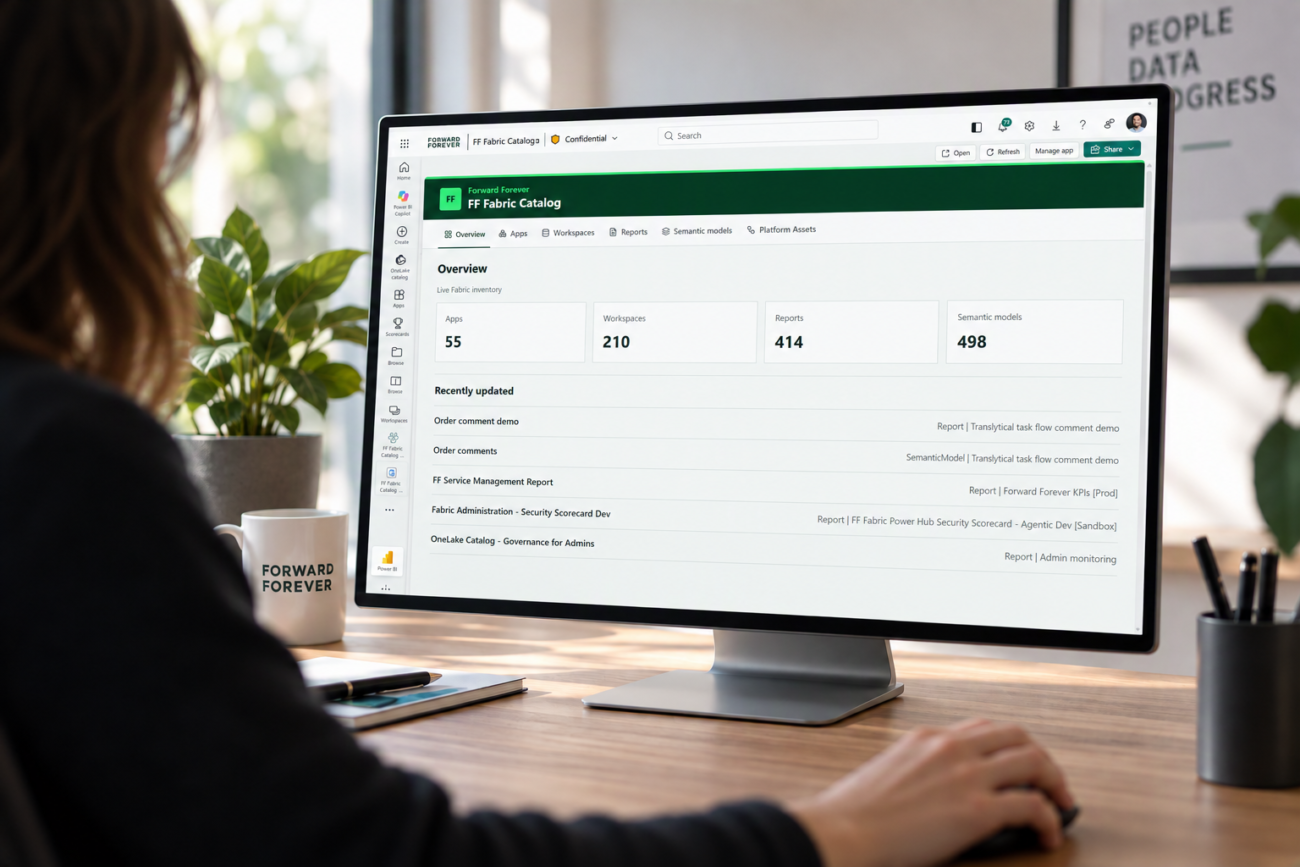
A catalog of reports and the people responsible for them is not a new idea. Forward Forever has built Power BI catalogs for years, using Power Hub data and low-code Canvas Apps. The Fabric Catalog App brings the same idea to Fabric.
As Fabric and Power BI environments grow, workspaces, reports and semantic models pile up faster than the information about them. Fabric shows what an item is and where it lives, but not who owns it, who maintains it or which business area it serves. That information often ends up in spreadsheets, forms and side processes, where it quickly goes out of date. The goal was to give business users one place to find their Fabric content, see what information is missing and add it directly in Fabric.
- An overview page shows the Fabric estate at a glance: the number of workspaces, reports and semantic models.
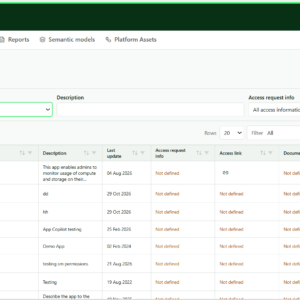
- Users browse workspaces, reports and semantic models from live Fabric inventory in clear, paginated tables.
- Search, filtering and sorting help find the right content, with items missing information shown first.
- Missing business owners, contacts, business areas and tags are highlighted, so gaps are easy to spot.
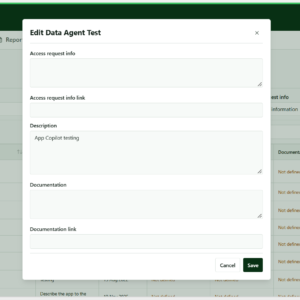
- Users add only what cannot be entered in Fabric or Power BI: business owner, technical and maintenance contacts, business area and tags.
- Information is edited in a panel opened directly from each row, and saved information is available to everyone using the catalog.
- Fabric-owned details stay read-only, and user input is stored separately, so Fabric remains the source of truth.
Solution
The solution was built as a Microsoft Fabric App that runs inside the Fabric portal, developed with GitHub Copilot in Visual Studio Code. It builds on the extensive work done for Power Hub: Fabric and Power BI inventory is collected with the scanner APIs and modelled into a semantic model, which the app reads. User input is saved to a Fabric SQL Database.