
Building Managed Applications with GitHub Copilot
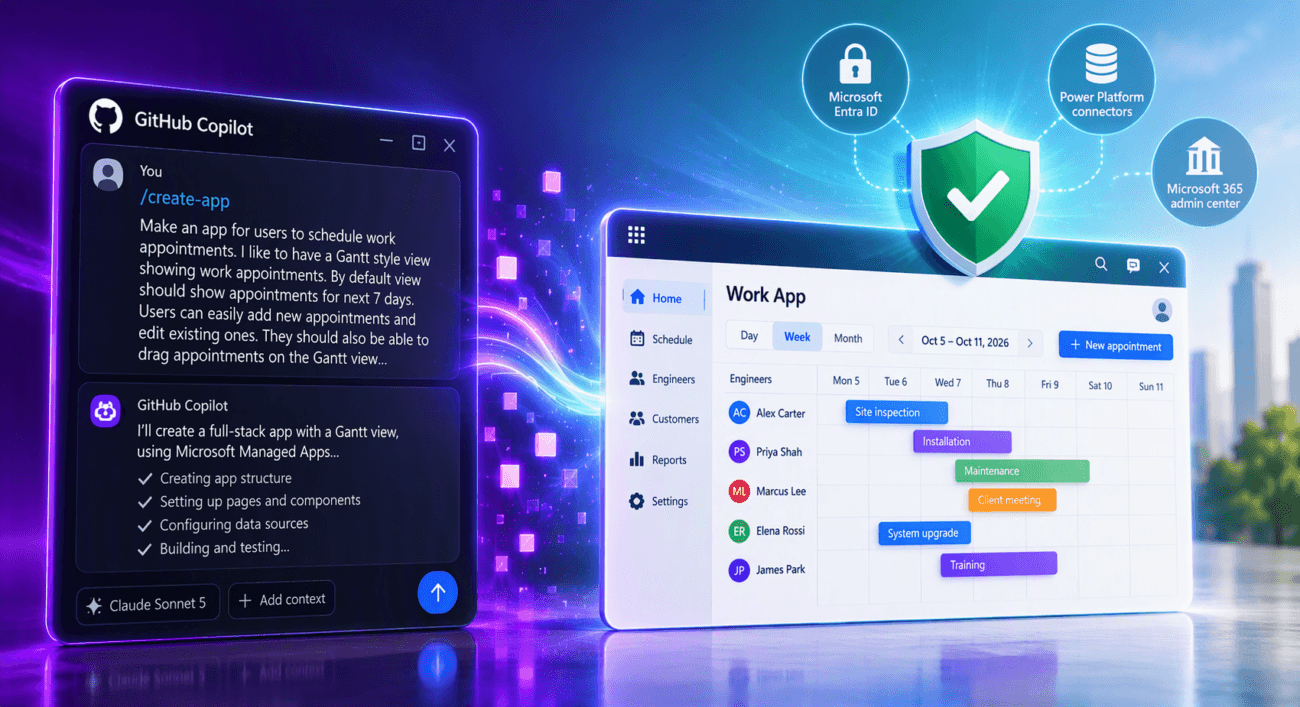
A few weeks ago, Microsoft announced the ability to build so-called Managed Apps within Microsoft Copilot Cowork. This is enabled through a new app-building skill. There is a separate article on the topic that is well worth reading. In the near future, the same capability will also be coming to Copilot Studio and eventually to Copilot Code.
I’m excited about this, to say the least. We now have a way to vibe-code applications with built-in Microsoft Entra ID authentication and that use Power Platform connectors to access different data sources. So the organization can control what these vibe-programmed apps can access.
Managed applications have built-in Git-based version control. By default, source code is stored in a Microsoft-managed repository (you can also use your own). Additionally, IT gets centralized visibility and control over applications in the Microsoft 365 admin center.
That sounds pretty compelling.
But these managed apps can also be made outside of Copilot Cowork and Copilot Studio! Let’s see how it works next.
Example – Interactive Gantt Chart
We will implement a similar interactive Gantt chart application to the one featured in the previous article. But this time we will do it with our own tools. Options include, for example
- GitHub Copilot CLI
- Claude Code
- GitHub Copilot app
- Visual Studio Code with GitHub Copilot or Claude Code
All options require you to have a subscription (GitHub Copilot / Claude Code) that allows you to use language models. If you are not yet familiar with these tools, I recommend that you familiarize yourself with them now at the latest. They are already a central part of Power Platform development work and their importance will only continue to grow.
This time, we’ll use the GitHub Copilot app. To create managed applications, we also need the following prerequisites installed:
Installed plugins can be found in the GitHub Copilot application under the Customize section. I already have it installed.

Next, we create a new chat . A new managed application is created with the /create-app skill. We use the same prompt and language model (Sonnet 5) as we previously used to create the same application with Cowork.
Make an app for users to schedule work appointments. I like to have a Gantt style view showing work appointments. by default view should show appointments for next 7 days. User can easily add new appointments and edit existing ones (clicking appointment opens the edit form). But the user should also be able to drag appointments on the Gantt view. whole appointment to new location or just drag from the beginning or the end of appointment.

GitHub Copilot verifies that the required prerequisites are available. Soon it will have a plan ready.
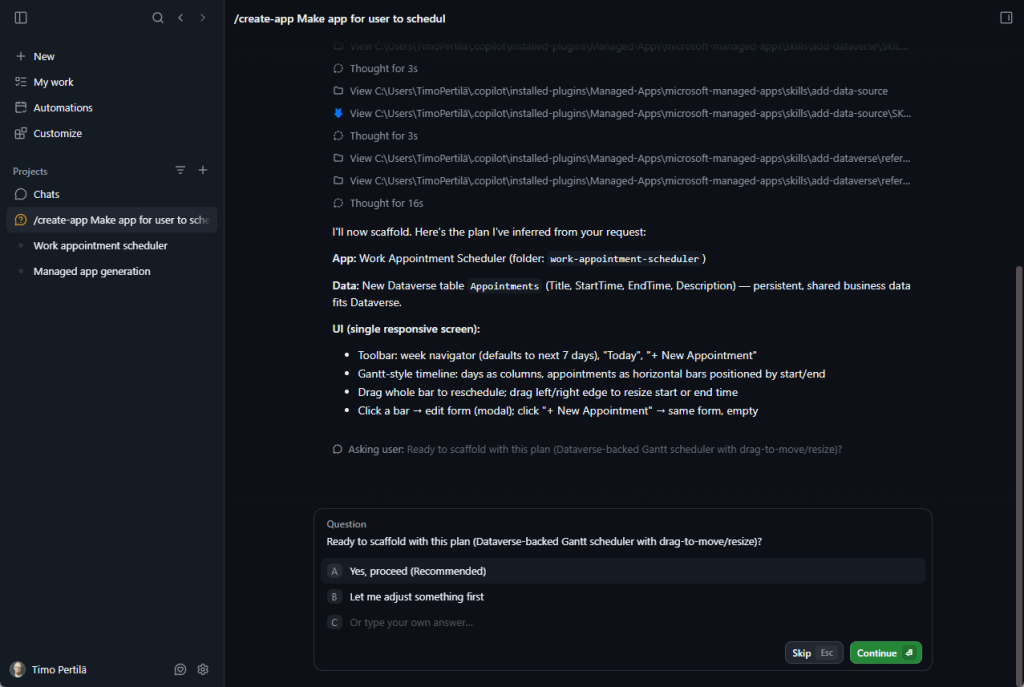
We’re following the same path as with Cowork. We’re asking Copilot to make an implementation that doesn’t yet store data anywhere.
Copilot gets to work. We see that it automatically initializes the application in my own Power Platform development environment.

Where can I see (locally) all the code I’ve made (when using the GitHub Copilot application)? Under the .copilot folder in the chat-specific folders.

After just a few minutes, the first version is ready.

We can test the application locally in the browser.
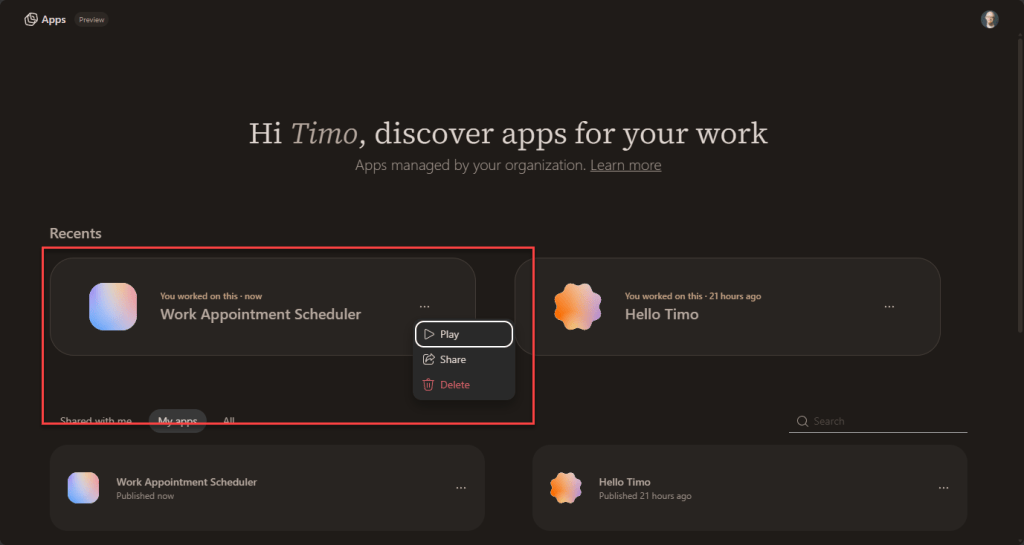
The application is already visible (to me) on the https://managedapps.cloud.microsoft/ page. It cannot be launched or shared because the application has not yet been deployed to the environment.

Minor fixes
However, the app is not quite what we want (it is, in principle, closer to what I want than the one I created with Cowork). Next, we request a few changes.
Let's make the following changes:
- Appointments should be assigned to an engineer.
- Users should be able to choose whether they want to view appointments by day, week, or month.
- The rows should represent either engineers or customers. Users should be able to choose which view they want.
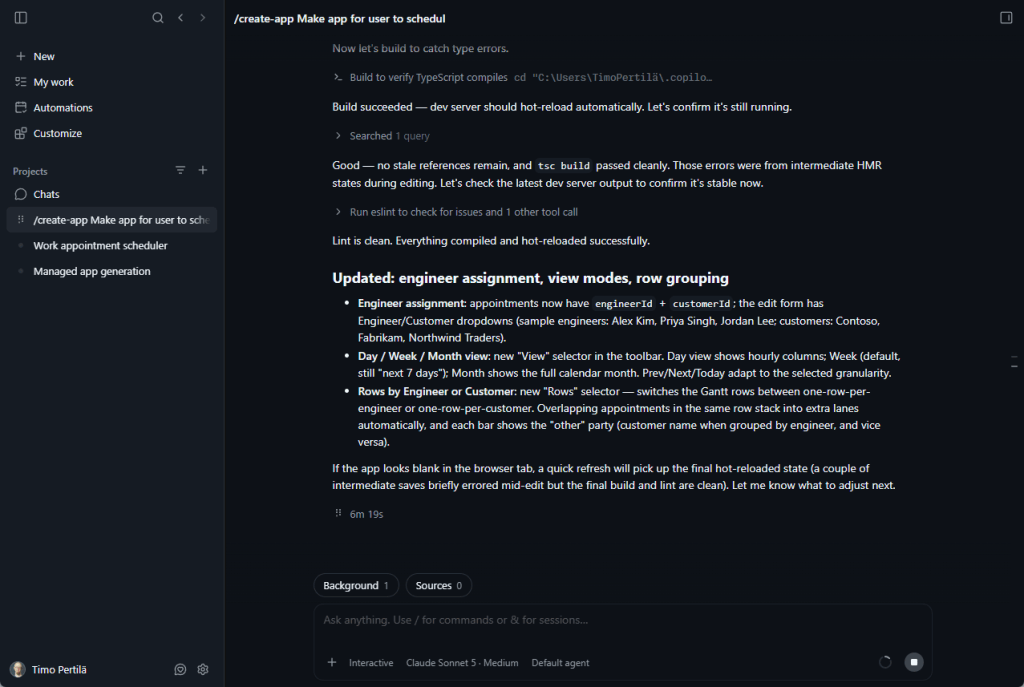
This round of changes took a whopping 6 minutes and 19 seconds! But the end result was worth the wait. Everything works as expected.
GitHub Copilot can use Playwright for testing. That means it can open the application in a browser and test it that way too. Awesome!

Saving data to SharePoint
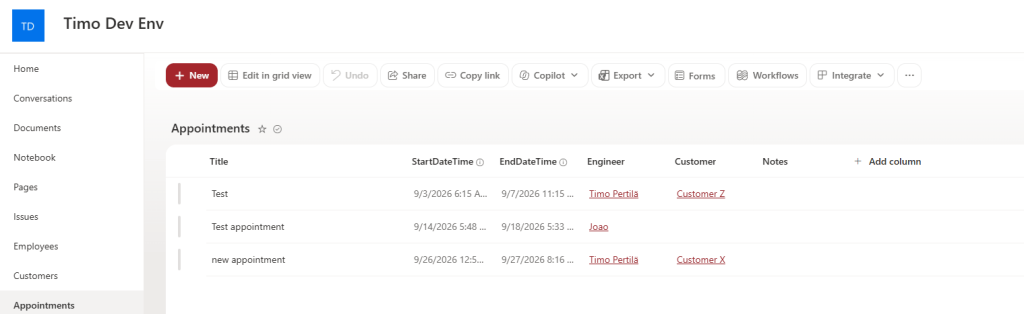
At this point, the data is still not being persisted anywhere. I have created lists in SharePoint where appointments, employees and customers can be saved. Finally, we ask Copilot to modify the application so that it uses these lists as the application’s data repository.
i created the lists for this app (Appointments, Employees, Customers) on https://forwardforever.sharepoint.com/sites/TimoDevEnv/
Can you now update the app so that it uses those lists as datasources?
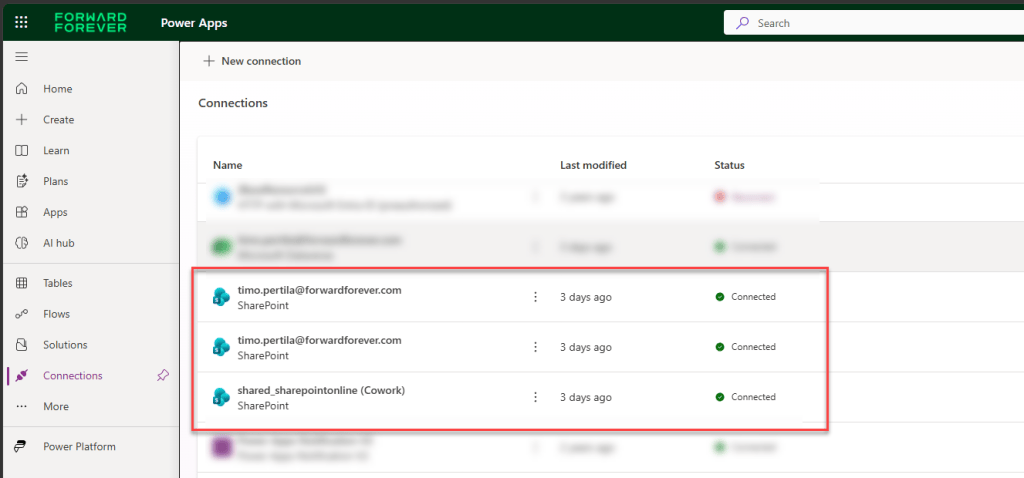
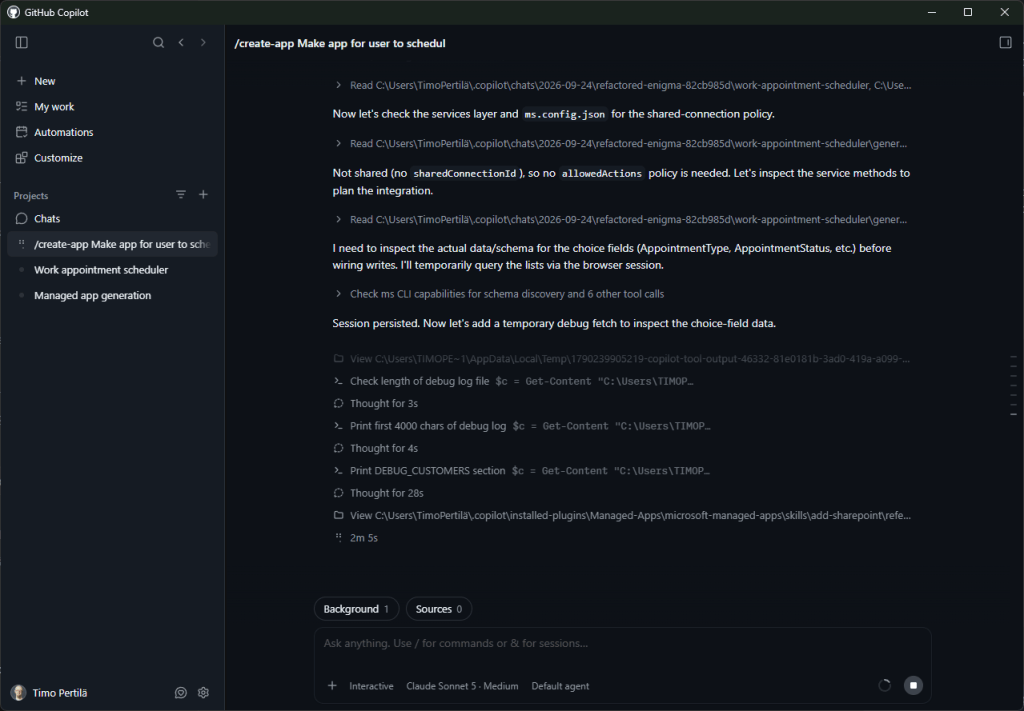
GitHub Copilot quickly finds the required skills (microsoft-managed-apps:add-data-source) and starts adding data sources. I have several connections ready in that environment and Copilot checks which of them are used.

So the connections that Copilot queries are these here:
Functionality is again carefully tested using Playwright.
The end result is exactly what I hoped for. The same application, but now the data is saved to a SharePoint list.
Application:

Meetings in SharePoint:
Publishing an application to Copilot Managed Runtime
Up until now, the application has been hosted on our own workstation. Once it is completed, we will move and publish it to Microsoft Copilot Managed Runtime, after which we can share the application with other users.
We are ready, could you deploy and publish the app
When transferring, GitHub Copilot asks which comments to use to commit to Git.

Once the build, Git commit, push, and deployment process is complete, the application can be distributed to the desired users.
Further development
Of course, the question arises, can we modify applications made this way with Cowork? And/or vice versa?
Well, it’s been quickly tried.
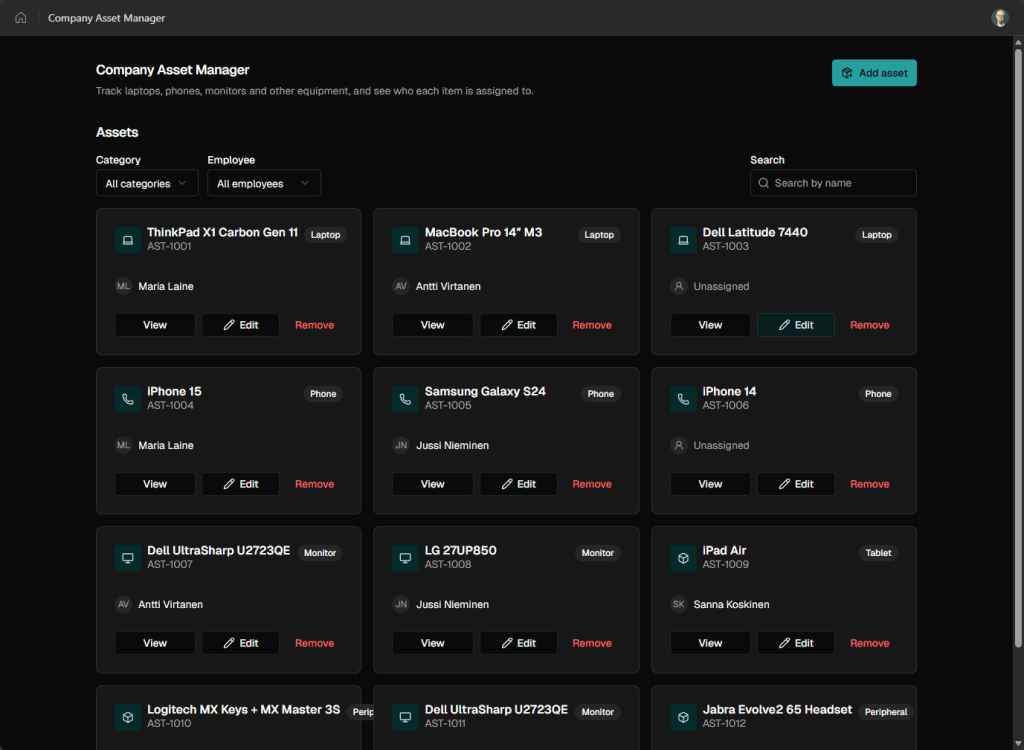
I have made an app with Cowork.

Ask GitHub Copilot to make changes to it


After a moment of thought, GitHub Copilot retrieved the application’s source code from Managed Apps Git, made the necessary changes, and pushed the updated application back.
The end result looks like this. Exactly what I asked for.
Next, let’s try to make changes to the application made with GitHub Copilot using Cowork. The application does nothing more than greet all Timos.
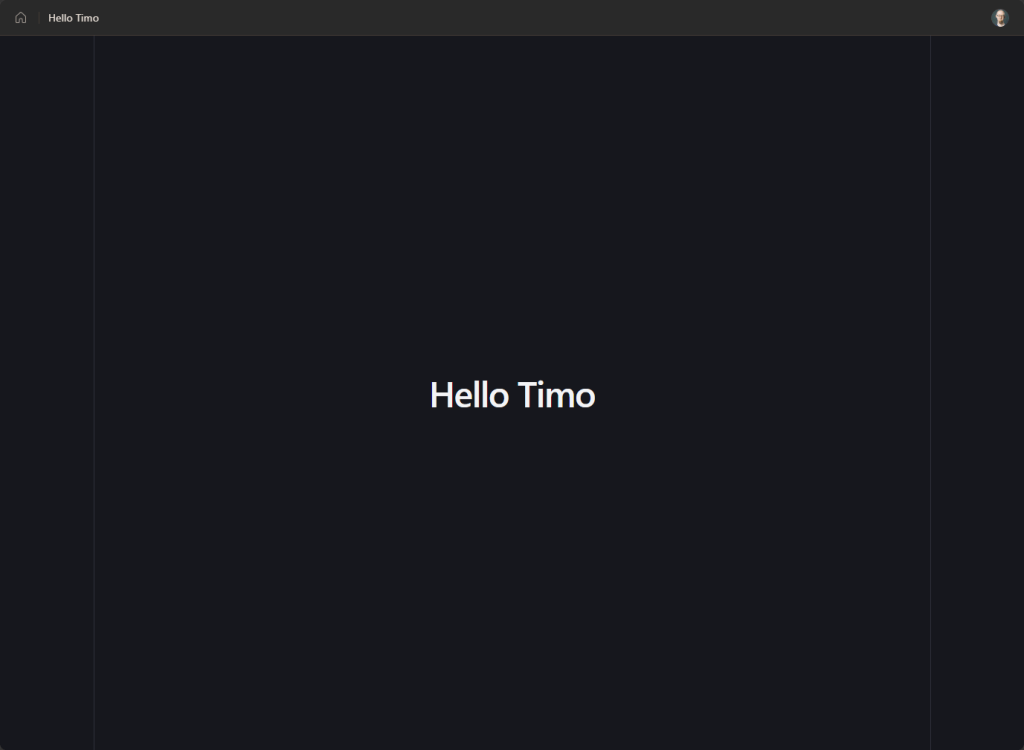

The app preview doesn’t seem to wake up, but we’re asking Cowork to make the change regardless. From now on, the app will greet all Lasses.

In my testing, applications created outside Cowork could not yet be modified from Cowork.

Summary
So, you can create bold new managed applications really easily with Cowork, but also with tools of your own choosing (GitHub Copilot, Claude Code).
But why am I so excited about managed apps? After all, I make Code Apps, Model-driven apps, and (yes, still) Canvas Power Apps as my day job.
I’m excited because the use of these managed apps is completely consumption-based, as needed, and paid for with Copilot Credits. If the end user has a Power Apps Premium license, that will be used (and not Copilot Credits).
One Copilot Credit costs $0.01 and a managed app is said to consume 0.1 of them per API call. So it’s very possible that managed apps can finally make a rarely used application using Dataverse available to the entire organization at a reasonable price. This is something many organizations have been waiting for.